
Free Duotone Image Maker
Map a photo onto two colors in your browser: the original hues are thrown away and the picture is rebuilt from its brightness, which is what keeps a duotone clean where a tint goes muddy.
Drop a photo here
or paste with Ctrl+V. JPG, PNG or WebP.
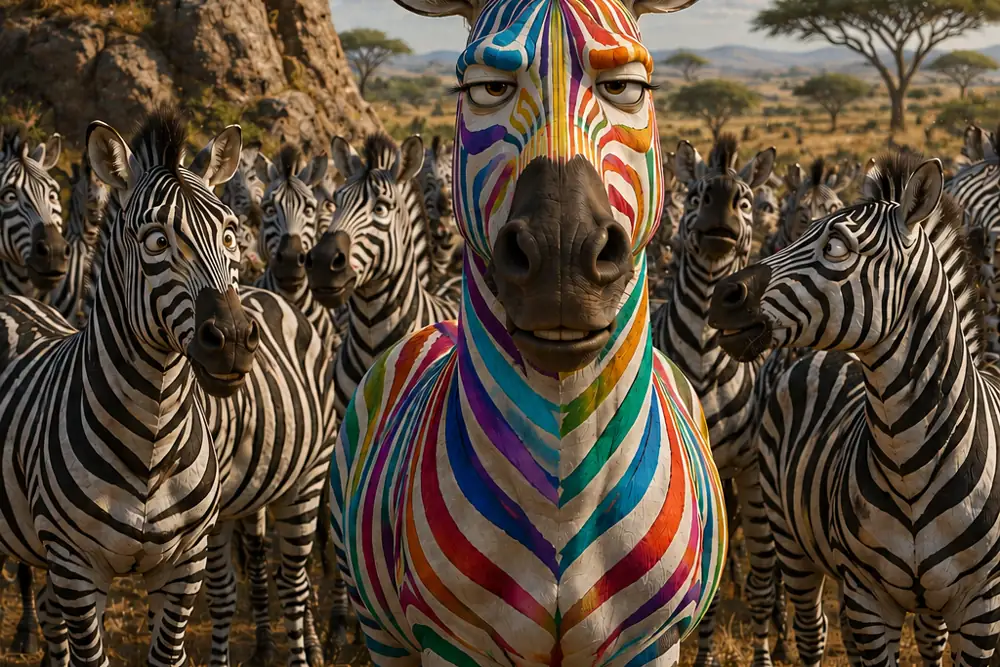
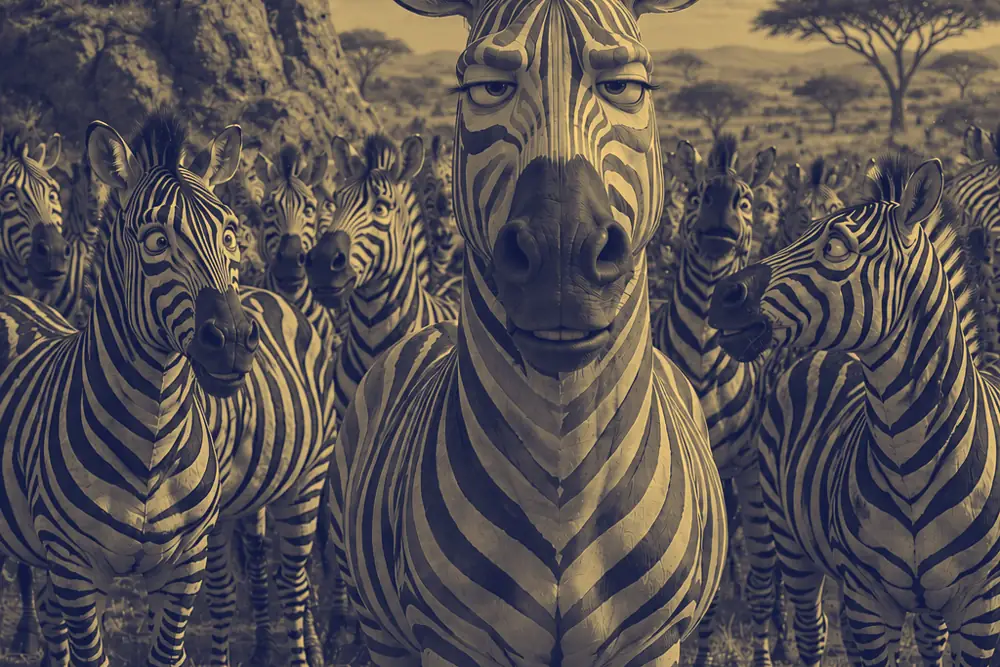 BeforeAfter
- Nothing uploadedYour images stay on your device
- Works offlineOnce this page has loaded
- No size capOnly your device's memory
- No watermarkYou get back only your image
- No accountNothing to sign up for
How it works
- Drop a photo onto the box above, paste one with Ctrl+V, or choose a file.
- Pick one of the presets. Each is a pairing that holds up on a photograph, and the line under it says what it is for.
- Change either color if you want your own pair. The strip above the pickers shows what that pairing does at full strength, so you can judge it before the picture redraws.
- Move the middle tone to decide whether the dark color or the light one takes more of the picture, and pull the strength back if you want a grade rather than a poster.
- Choose a format, name the file and download it at full resolution.
Common use cases
- Album art, gig posters and title cards, where the picture has to sit under type without fighting it.
- Making a set of photos from different cameras, different days and different light look like one set.
- Putting a photo behind text on a slide or a hero banner, where a full-color image would swallow the words.
- Forcing a stock photo into brand colors so it stops looking like a stock photo.
- Rescuing a picture whose colors are a mess: a duotone discards them all, so a bad white balance or a mixed-lighting room stops mattering.
Frequently asked questions
- What is a duotone?
- A picture printed or rendered in two colors instead of a full range. Every tone in the original is remapped onto a line between the two: the darkest parts become one color, the brightest parts become the other, and everything between is a blend of them. The light and dark structure of the photo survives intact, which is why a duotone still reads as a photograph rather than as a graphic.
- Is a duotone the same as putting a color over the photo?
- No, and this is the difference that decides whether the result looks good. A tint or a color overlay multiplies a color over the picture and leaves the original hues showing through underneath, so a red coat and a green hedge stay red and green, just dirtier. A duotone throws the hues away first, reducing the photo to brightness, and then rebuilds it from the two colors you chose. Nothing of the original palette survives to muddy it, which is why a duotone stays clean on a busy photo where a tint turns to sludge.
- Which two colors should I choose?
- The one rule that matters: the two colors need a real gap in brightness, not just a difference in hue. A duotone is only carrying the light and dark information of the photo, so if both colors are similarly light, there is nothing for that information to be expressed as, and the picture flattens into a single wash. A bright red and a bright blue look completely different and make a terrible pair. A very dark blue and a pale gold look far less exciting side by side and make an excellent one. Take one color much darker than the other and the hue choice becomes a matter of taste rather than of whether it works. Every preset here obeys that rule, and the tool warns you if a hand-picked pair does not.
- Why does my duotone look flat or washed out?
- Almost always the brightness gap above, and it is the single most common way this effect goes wrong. The giveaway is that the result looks like a misprint, as though one ink plate was missing, rather than like a choice. Fix it by dragging one of the two colors much darker or much lighter. The other cause is a photo that was low in contrast to begin with: a duotone can only redistribute the tonal range it is given, so a flat, hazy original produces a flat duotone.
- Where does the duotone effect come from?
- From a printing press, long before it was a design trend. Full-color printing lays down four inks, and a plain black and white print lays down one. A duotone press run used two, which cost far less than four and held much more tonal depth than one ink could: the second plate filled in the midtones that a single black plate rendered as flat gray. Photographers used it to give black and white plates real depth in books, and the look was a side effect of an economy. The Spotify covers everyone associates with the word are the same idea, minus the presses.
- Can I use more than two colors?
- Yes, with the Gradient Map tool. A duotone is a gradient map with exactly two colors; a gradient map can have three or more, for looks a duotone cannot make, like a sunset that runs purple to orange to yellow or the palette of a thermal camera. It uses the same brightness mapping, so a duotone you like here can be extended there.
- Are my photos uploaded to a server?
- No. The mapping happens in your own browser using the Canvas API. The file never leaves your device and nothing is stored.
Related tools
- Change Image ColorShift the hue, saturation and lightness, or recolor just one color.
- Gradient MapRecolor a photo along a gradient you can edit: sunset, thermal, neon or your own colors.
- Grayscale ImageTurn photos black and white, and control which colors go light or dark.
- Sepia FilterWarm brown tone, like a print that has aged well.
- Color Picker from ImageClick any pixel for its HEX, RGB or HSL code, or pull the whole palette out of an image.
Understand what this does
Plain explanations of what is happening to your file, and what it costs you.