
Free Grayscale Image Converter
Convert an image to grayscale in your browser, then set how light or dark each original color turns, which is the control that stops a black and white photo looking flat.
Drop a photo here
or paste with Ctrl+V. JPG, PNG or WebP.
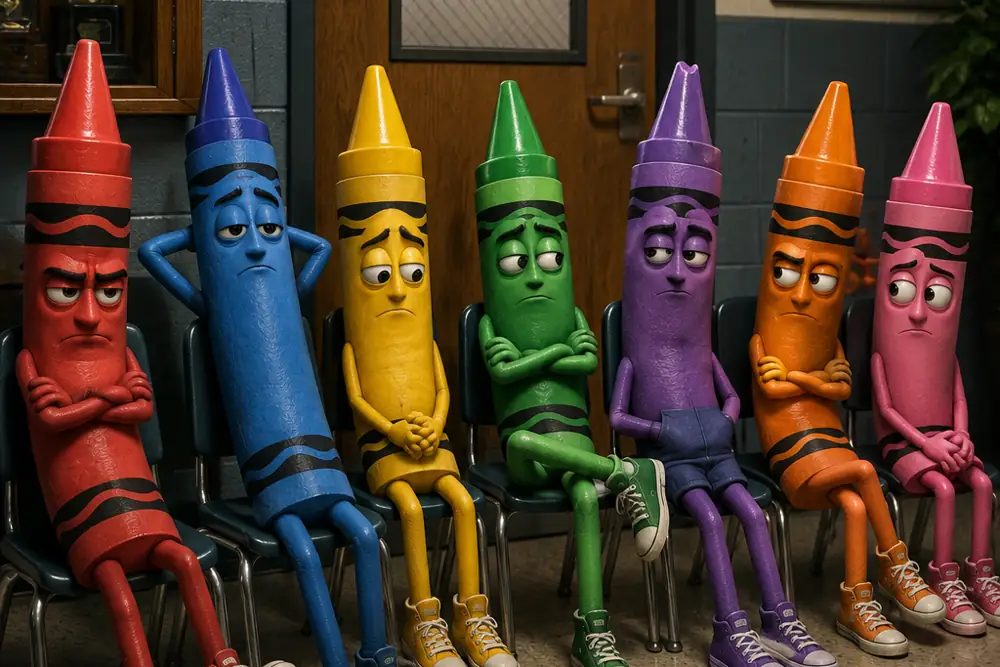
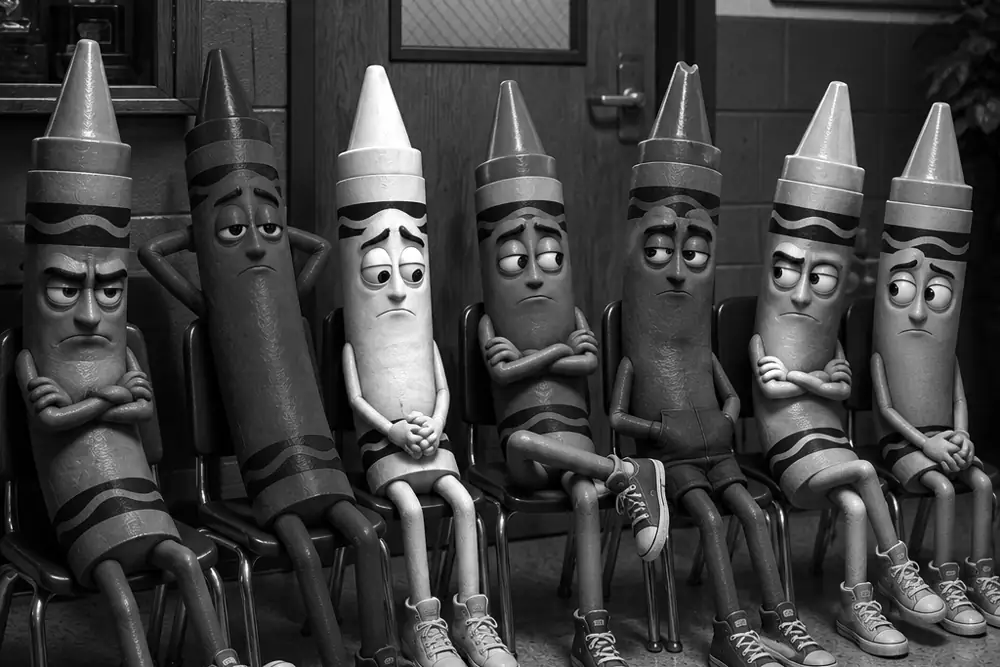 BeforeAfter
- Nothing uploadedYour images stay on your device
- Works offlineOnce this page has loaded
- No size capOnly your device's memory
- No watermarkYou get back only your image
- No accountNothing to sign up for
How it works
- Drop a photo onto the box above, paste one with Ctrl+V, or choose a file.
- It converts straight away, weighted the way the eye reads brightness rather than treating every channel as equal.
- Pick a filter. Each one is a lens filter from the darkroom era, and the line under it says what it was for.
- Push any of the six sliders to go further: above 100% makes that color render lighter, below 100% darker.
- Choose a format, name the file and download it at full resolution.
Common use cases
- Rescuing a landscape where the sky came out the same pale gray as the clouds.
- Portraits, where skin needs to stay bright while a busy background drops back.
- Turning a color logo into a mono version for a single-color print, without two brand colors collapsing into one gray.
- Separating a red sign from the green leaves behind it, which a straight conversion renders almost identically.
- Checking whether a design still reads once color is taken away.
Frequently asked questions
- What is the difference between grayscale and black and white?
- Nothing, here. They are two words for the same operation: every pixel keeps its brightness and loses its color. Grayscale is the word people use about files and print, black and white is the word people use about photographs, and this tool is what both of them mean.
- Why do black and white photos look flat everywhere else?
- Usually not because the weighting is wrong, but because there is only one of it. Most tools apply a single fixed formula and offer a strength dial, so every photo gets the same treatment whatever is in it. The weighting itself is normally fine, and this tool uses the same standard figures: green carries about 71% of what we perceive as brightness, red 21% and blue 7%. What is missing elsewhere is any control over which colors land light and which land dark, and that is the difference between a conversion and a photograph.
- What does the color mixer do?
- It sets how much each color is lifted or dropped on the way to gray, which is the thing Photoshop, Lightroom and Silver Efex charge for. A straight conversion gives every color the one weighting the eye happens to have. The mixer lets you overrule it, so two things that were different colors but the same brightness can be pulled apart instead of merging into one shade.
- Why does a red filter make the sky go black?
- This is a darkroom trick, and the presets are named after the real glass. A red filter screwed onto the lens passes red light and blocks blue, so a blue sky barely reached the film and printed almost black, while red brick and skin printed bright. Every dramatic mid-century landscape was made that way. Nothing here is on a lens, so the same thing is done in arithmetic: the blue and cyan bands are weighted down and the reds up.
- Which filter should I use?
- Yellow for a gentle lift, where clouds separate from the sky without anything looking treated. Orange for more of that, and it is the safe one for people. Red for the full dramatic landscape, near-black skies and bright skin. Green when the subject is foliage, because it brightens leaves and darkens skin. Blue for haze and mood, which is the one that makes rain look like rain. Portrait is orange tuned for faces, lifting skin and dropping the background back.
- Are my photos uploaded to a server?
- No. The conversion happens in your own browser using the Canvas API. The file never leaves your device and nothing is stored.
Related tools
- Sepia FilterWarm brown tone, like a print that has aged well.
- Invert ColorsFlip an image to its negative, or flip only light and dark and keep the colors.
- Color SplashKeep one color and turn everything else black and white.
- Image FiltersBlack and white, sepia, faded or vivid, applied to a whole batch at once.
- Halftone GeneratorTurn a photo into halftone dots: newspaper, comic book CMYK or your own colors, as PNG or vector SVG.
- Posterize ImageReduce a photo to a few flat bands of color, the screen print and poster look.
Understand what this does
Plain explanations of what is happening to your file, and what it costs you.