
Free Image Pixelator
This free tool pixelates any part of a photo (a face, a license plate, a name in a screenshot) in your browser, replacing those pixels with mosaic blocks permanently rather than covering them over.
Drop an image here
JPG, PNG or WebP
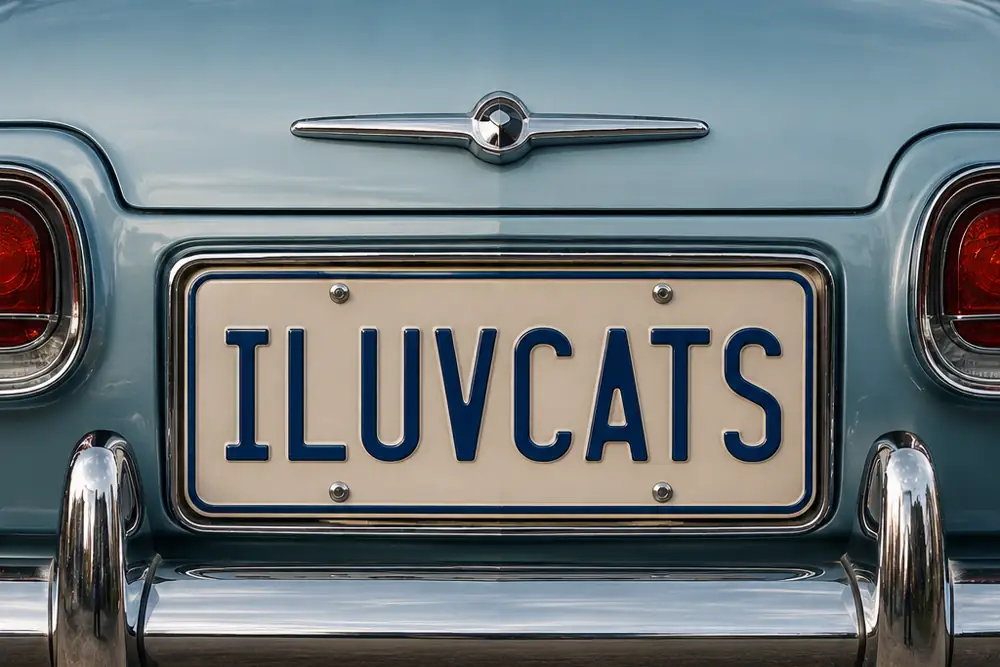
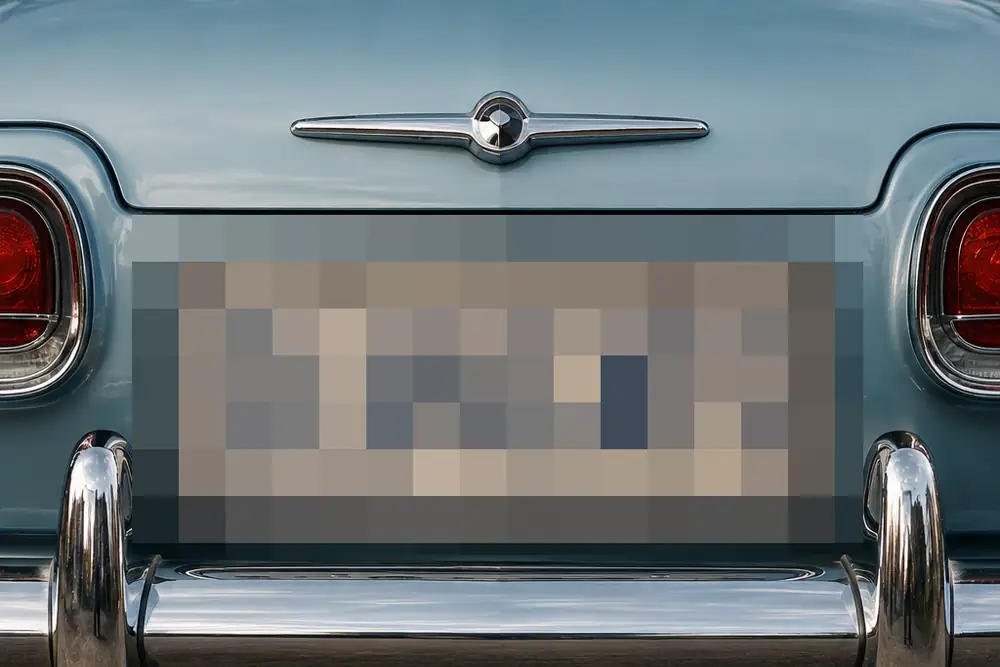 BeforeAfter
- Nothing uploadedYour images stay on your device
- Works offlineOnce this page has loaded
- No size capOnly your device's memory
- No watermarkYou get back only your image
- No accountNothing to sign up for
How it works
- Drop a photo onto the box above, click to choose one, or paste one with Ctrl+V.
- Drag across anything you want covered. Add as many areas as you need, and remove any you change your mind about.
- Set how coarse the blocks are. The size scales with the area you marked, so a small distant face and a large close-up one are hidden equally hard at the same setting.
- Choose a file format and a name, then download the result at full resolution.
Common use cases
- Pixelating a stranger's or a child's face before posting a group photo publicly.
- Covering the license plate in a picture of a car you are advertising for sale.
- Hiding names and profile pictures in a screenshot of a chat before you share it.
- Censoring part of a picture for a slide, where the mosaic look reads as deliberately hidden rather than accidentally missing.
- Blanking out a bystander who happened to be in the background of a holiday photo.
Frequently asked questions
- Can a pixelated image be un-pixelated?
- Not in the way people usually mean. There is no button that runs pixelation backwards, and the AI upscalers that appear to do it are inventing a plausible face that would pixelate down to roughly the same blocks, not recovering the real one. What does work is guessing. If the hidden thing comes from a small set of possibilities, such as a six-digit number or a word in a font you can identify, someone can pixelate every candidate the same way and compare until one matches. Security researchers have published working tools that do this to text. So for an unknown stranger's face, pixelation holds up reasonably well. For a password, an account number or an address, it does not.
- Is pixelation as safe as a solid black box?
- No, and it is worth being straight about that. A solid block replaces the area with one flat color, so there is nothing left to compare a guess against. Pixelation replaces each block with the average of what was underneath, and an average is still information. It is the difference between a wall and a very good curtain. Pixelation is the right choice when you want the picture to stay readable as a picture and the hidden thing is not guessable; a solid block is the right choice for anything that must not be recovered.
- What actually gives a pixelated photo away?
- Almost never the mosaic itself. Two much more ordinary things do it. The first is that the original file still exists (in your camera roll, in the message you already sent, in a cloud backup), so the uncensored version is one careless share away. The second is metadata: the GPS coordinates, the date and the device are stored inside the file, and pixelating a face does nothing to them. Covering someone's face while the file still says exactly where and when the photo was taken misses the point of doing it at all.
- Does saving here remove the location data too?
- Yes, as a side effect. Producing the pixelated image re-encodes it, and that drops the EXIF metadata, including the GPS coordinates. If you want to strip metadata from a photo without altering the picture at all, the EXIF remover does it losslessly instead.
- How coarse should the blocks be?
- Coarse enough that you cannot tell what it was when you look at the preview at full size. If you can still make out the shape of the letters or recognize the person, so can anyone else, and a viewer who already suspects who it is needs far less detail than you do. For text and numbers, do not try to solve it with coarseness at all; that is the case pixelation is weakest against.
- Does it work at full resolution, and are my photos uploaded?
- Full resolution, and nothing is uploaded. The preview is scaled down so it stays responsive while you drag, but the areas you mark are tracked against the original image and the pixelation is applied at full size when you download. The photo is read and edited entirely by your own browser and never leaves your device, which matters more here than on most tools: the pictures people need to censor are exactly the ones they would least like to hand to a stranger.
Related tools
Understand what this does
Plain explanations of what is happening to your file, and what it costs you.